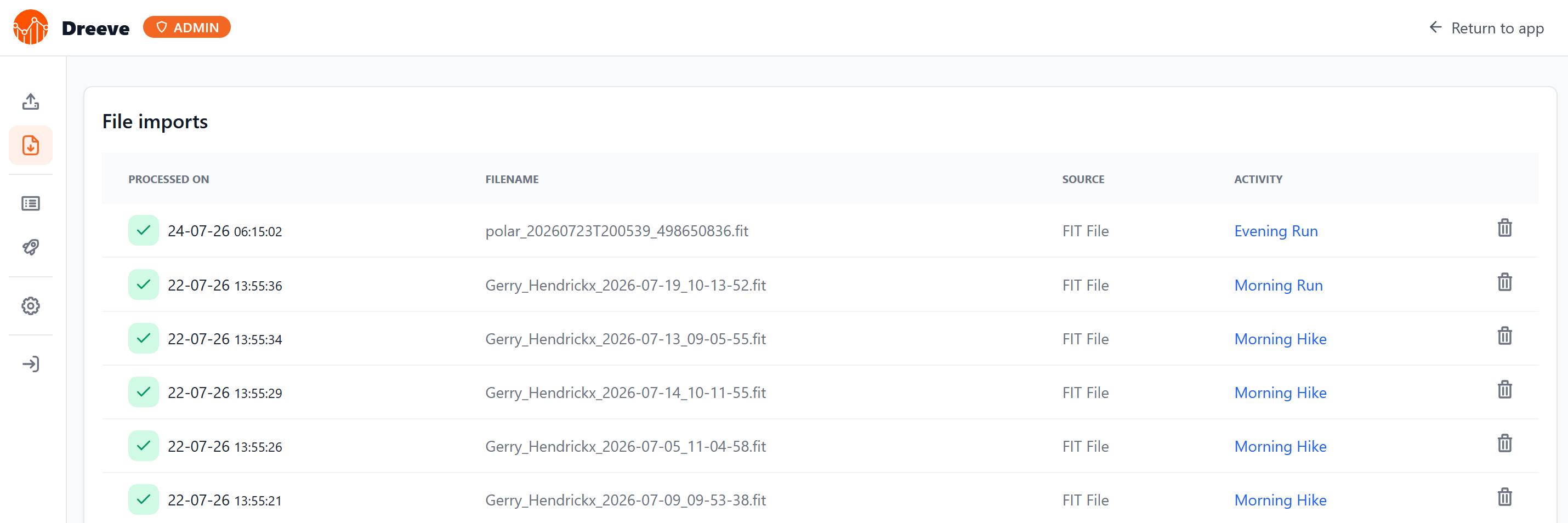
Automating Polar FIT Exports into Dreeve

The self-hosted stats dashboard I run used to be called Strava Statistics. In June 2026, Strava restricted their API to paying subscribers, and I do not pay for Strava. The project rebranded to Dreeve in response, a deliberate move to decouple from Strava rather than stay tied to an API that could tighten further. Dreeve can still import from Strava, but will require a subscriptions. It also accepts files directly through a watch folder that ingests any FIT, TCX, or GPX dropped into it, and that is the path I use. ...
July 24, 2026 · 8 min · Gerry Hendrickx

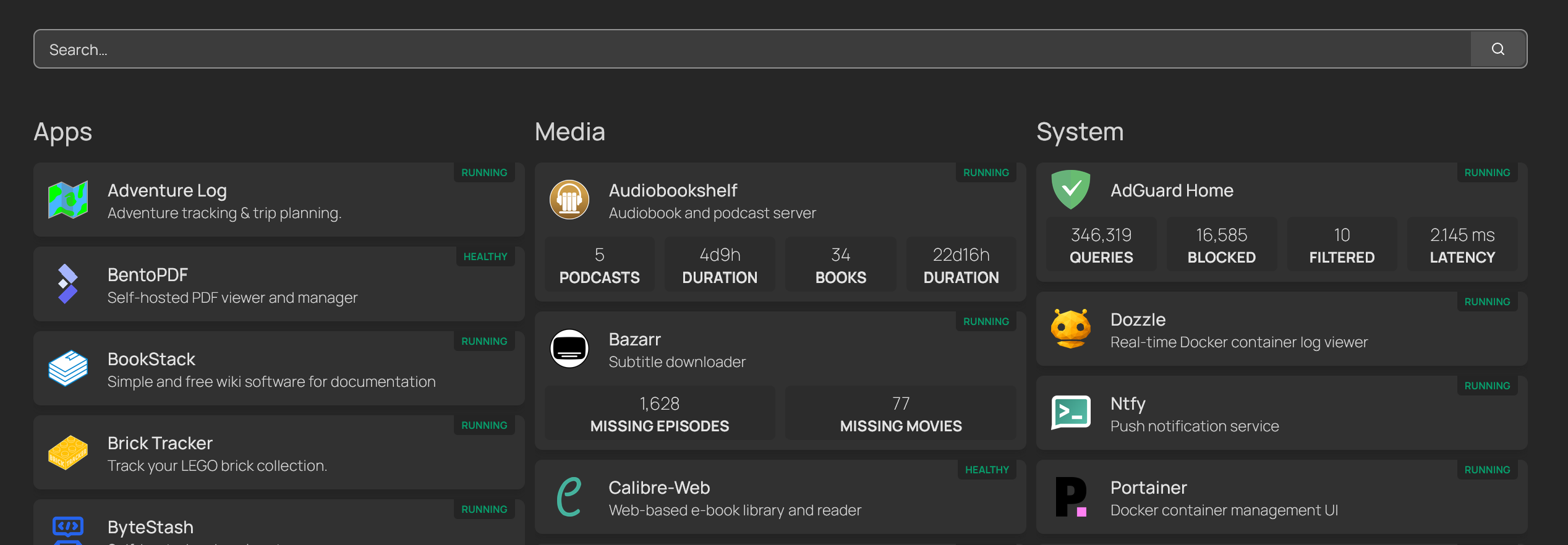
Homepage Dashboard with Docker Autodiscovery

Ditching Homarr for Homepage with Docker Autodiscovery Homarr has been running into memory issues on my homelab, and on top of that, every new service meant a manual trip into the UI to wire it up. That kind of overhead compounds quickly. Homepage fixes both: it is lighter, and it supports Docker label-based autodiscovery, meaning containers register themselves on the dashboard just by having the right labels. My Setup Homepage runs on my main lxc-homelab LXC container, alongside Traefik on the proxy Docker network. A second container, lxc-media, runs my media stack separately. Both need to show up on the dashboard, which is where things get slightly more involved. ...

July 23, 2026 · 4 min · Gerry Hendrickx

Plex Remote Access on a Ubiquiti Network

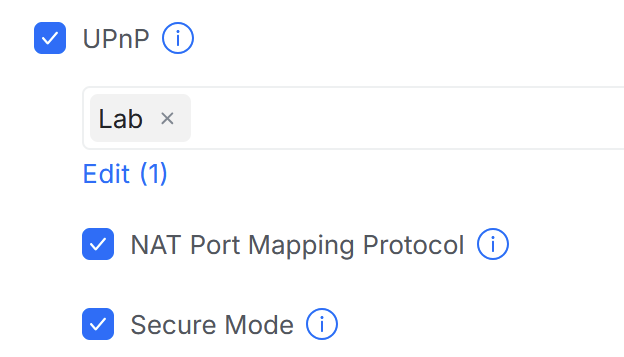
Plex remote access works fine until you move to a properly segmented network. On a flat home network, Plex can negotiate port forwarding automatically. Add VLANs and a zone-based firewall, and that negotiation silently fails. The fix is UPnP, but enabling it the wrong way creates a bigger problem than the one you’re solving. The Problem Plex uses UPnP (Universal Plug and Play) to ask your router to open and forward an external port back to the Plex server. On a UniFi setup with multiple VLANs, UPnP is disabled by default. Without it, Plex can’t register a port mapping and falls back to relaying traffic through Plex’s own servers, which is slower and not always reliable. ...

June 12, 2026 · 2 min · Gerry Hendrickx

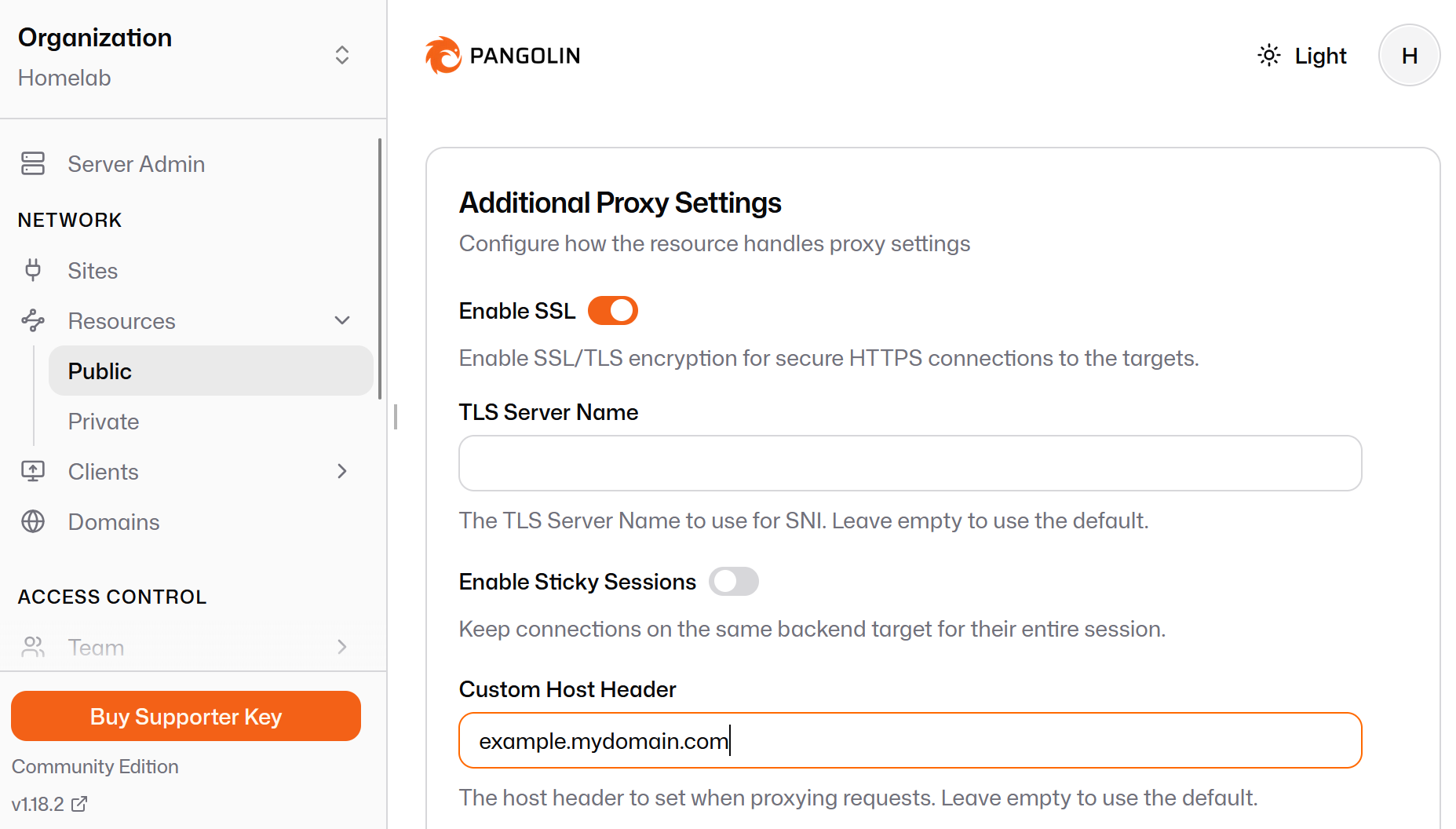
Exposing Internal Services via Pangolin + Traefik Without Internal DNS Access

A pattern for homelab reverse proxy chaining over WireGuard tunnels The Problem Pangolin is a self-hostable tunneling reverse proxy, similar in spirit to Cloudflare Tunnel. You run Pangolin on a public VPS, deploy a lightweight agent called Newt inside your homelab, and Newt maintains an outbound WireGuard tunnel back to the VPS. Pangolin then proxies public traffic through that tunnel to your internal services, no open inbound ports required. The challenge arises when you want to route traffic to internal services by DNS name rather than by IP address. In a typical homelab, DNS names for internal services are resolved by a local DNS server (like Pi-hole). Pangolin runs on the VPS and it has no access to your internal DNS, so it cannot resolve those names. ...

May 3, 2026 · 3 min · Gerry Hendrickx

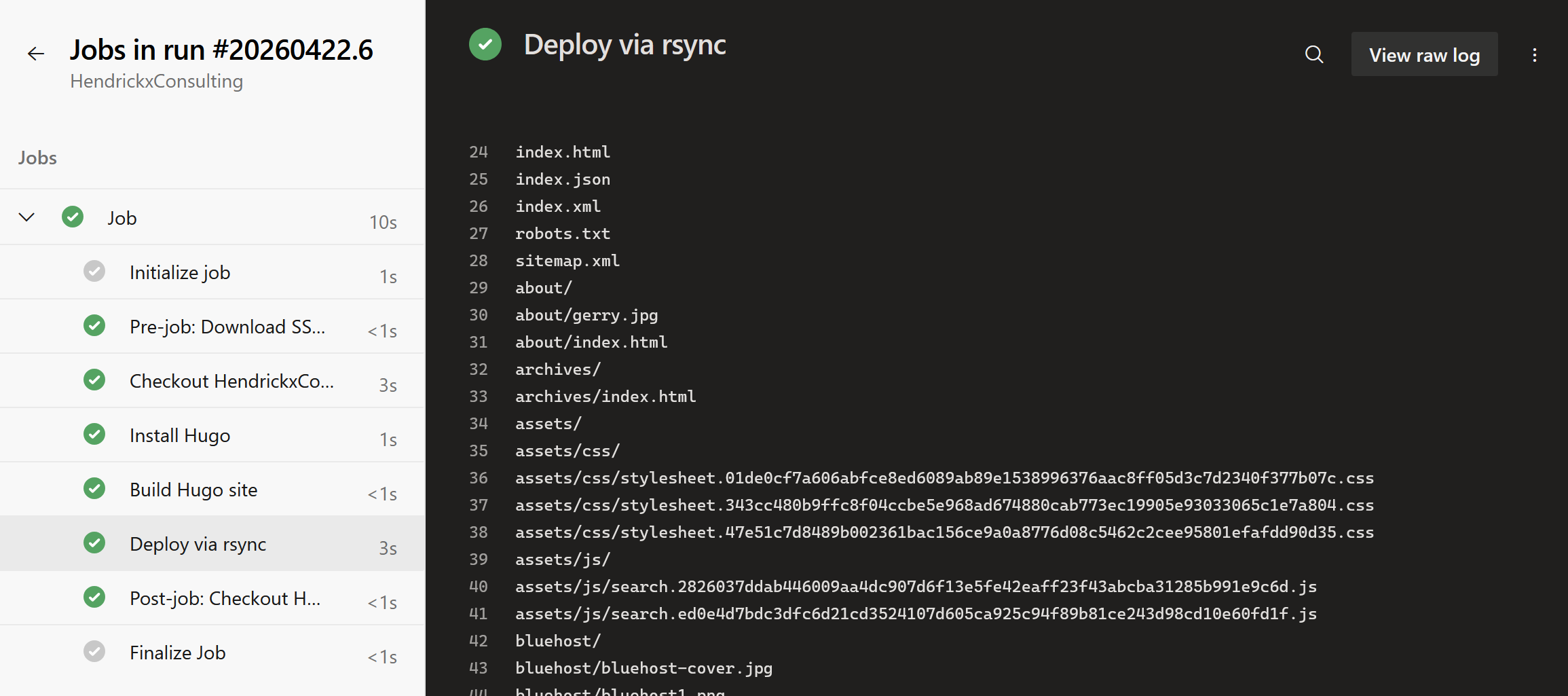
Deploying a Hugo blog from Azure DevOps to a self-hosted VPS

I wanted a clean publish pipeline for my Hugo blog hosted on a Netcup VPS. The goal was simple: push to the main branch in Azure DevOps, and the live site update automatically. No manual builds, no FTP. The VPS already runs Pangolin, which bundles Traefik as its reverse proxy. That meant I had an existing Docker network and a working cert resolver to plug into. The missing pieces were the Hugo serving container, a deploy user with SSH access, and an Azure Pipeline to tie it together. ...

April 22, 2026 · 6 min · Gerry Hendrickx